Endpoint telemetry on your Home Screen
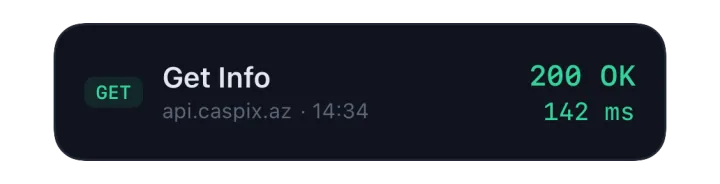
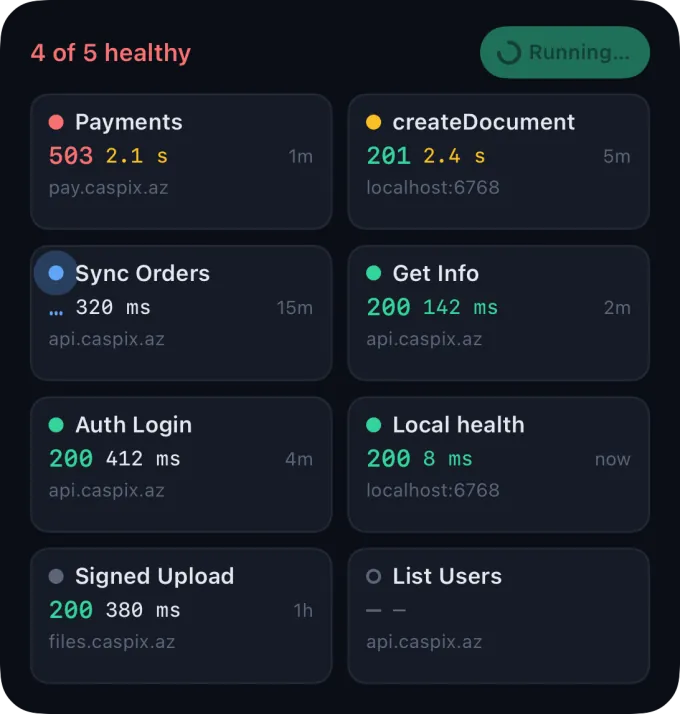
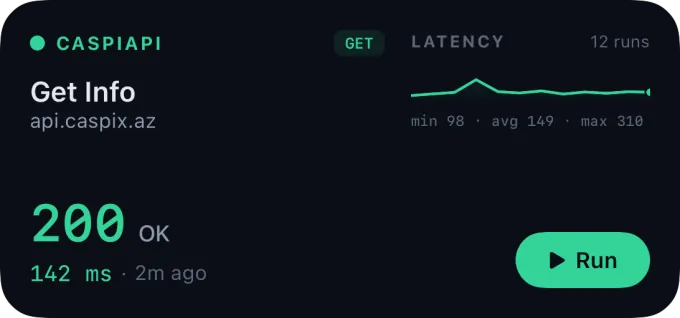
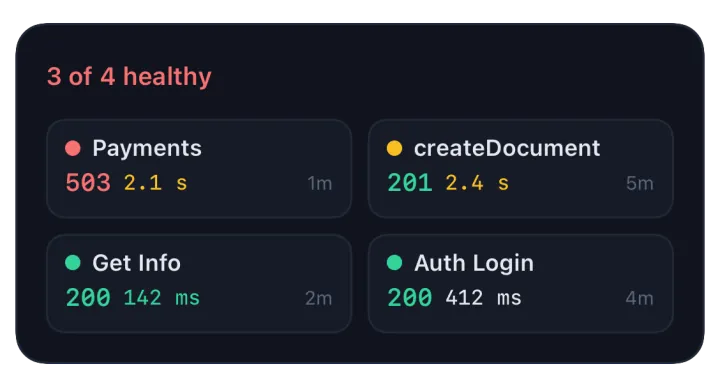
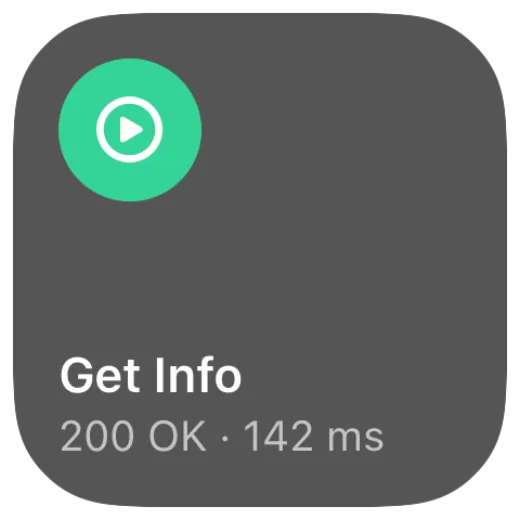
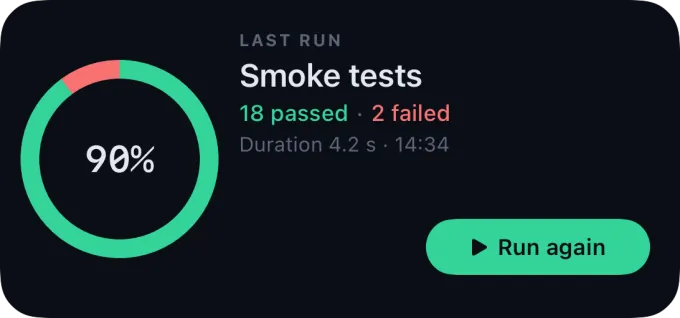
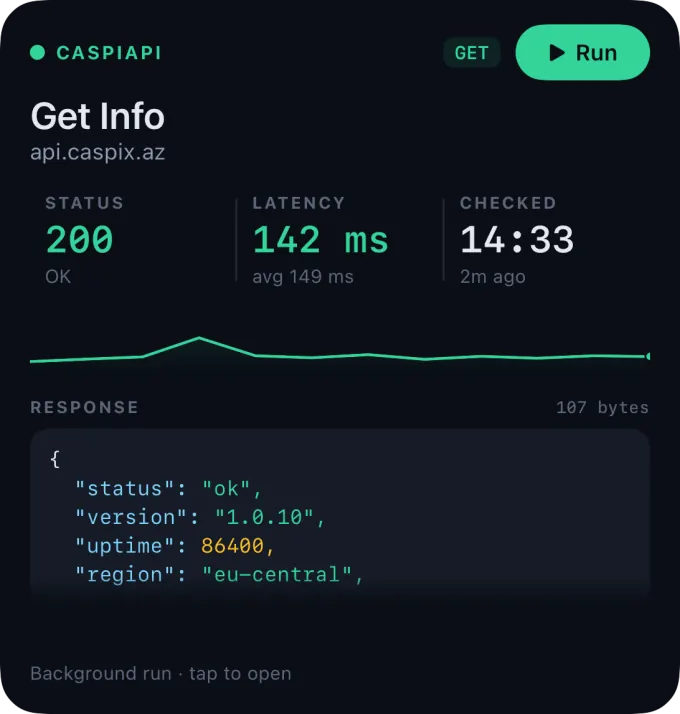
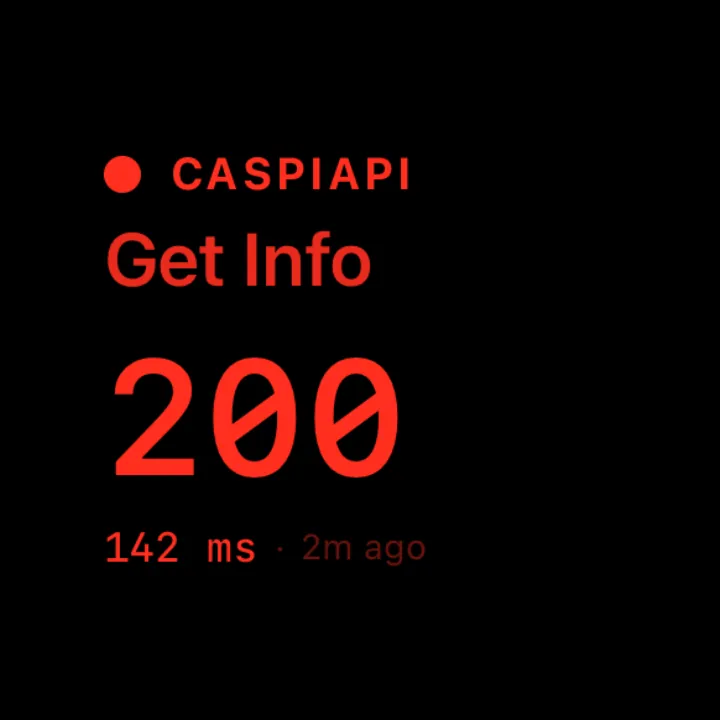
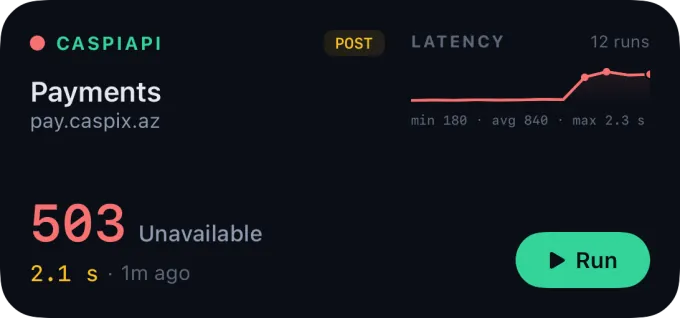
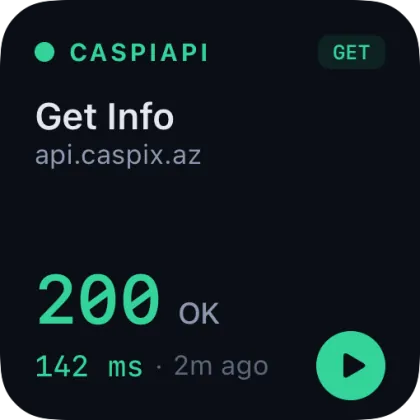
Pin a health check to the Home Screen, Lock Screen or StandBy. Status code, latency sparkline with min · avg · max and the time of the last check — at a glance, without launching the app.
Build, debug and test REST & GraphQL endpoints from phone, tablet and desktop. No cloud lock-in, encrypted on-device storage, end-to-end encrypted sync — and an encrypted bridge to localhost on your own machine.
System-level OS integrations and a local-network bridge that turn your phone into a real diagnostic tool.
Pin a health check to the Home Screen, Lock Screen or StandBy. Status code, latency sparkline with min · avg · max and the time of the last check — at a glance, without launching the app.
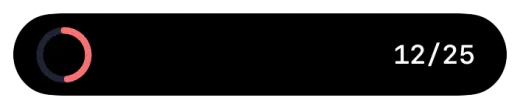
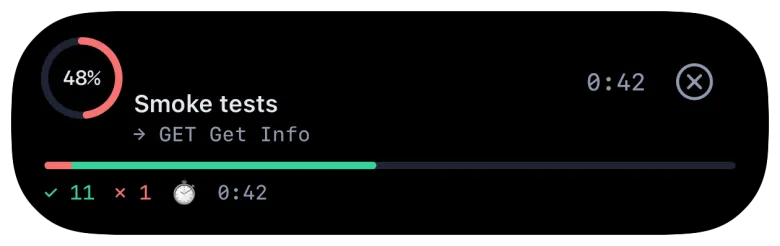
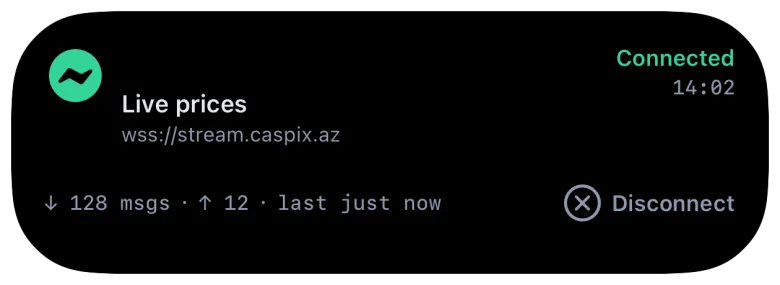
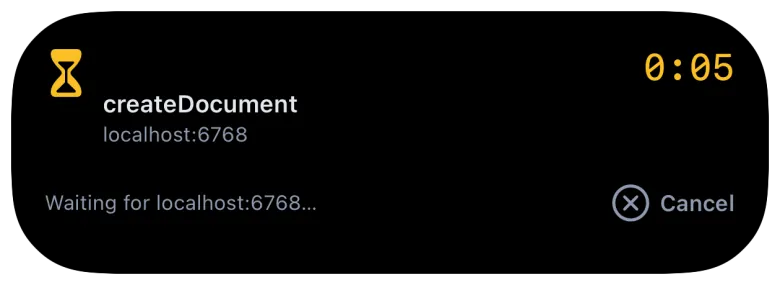
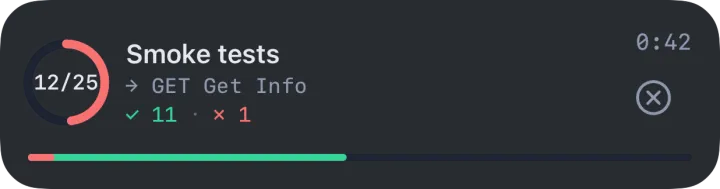
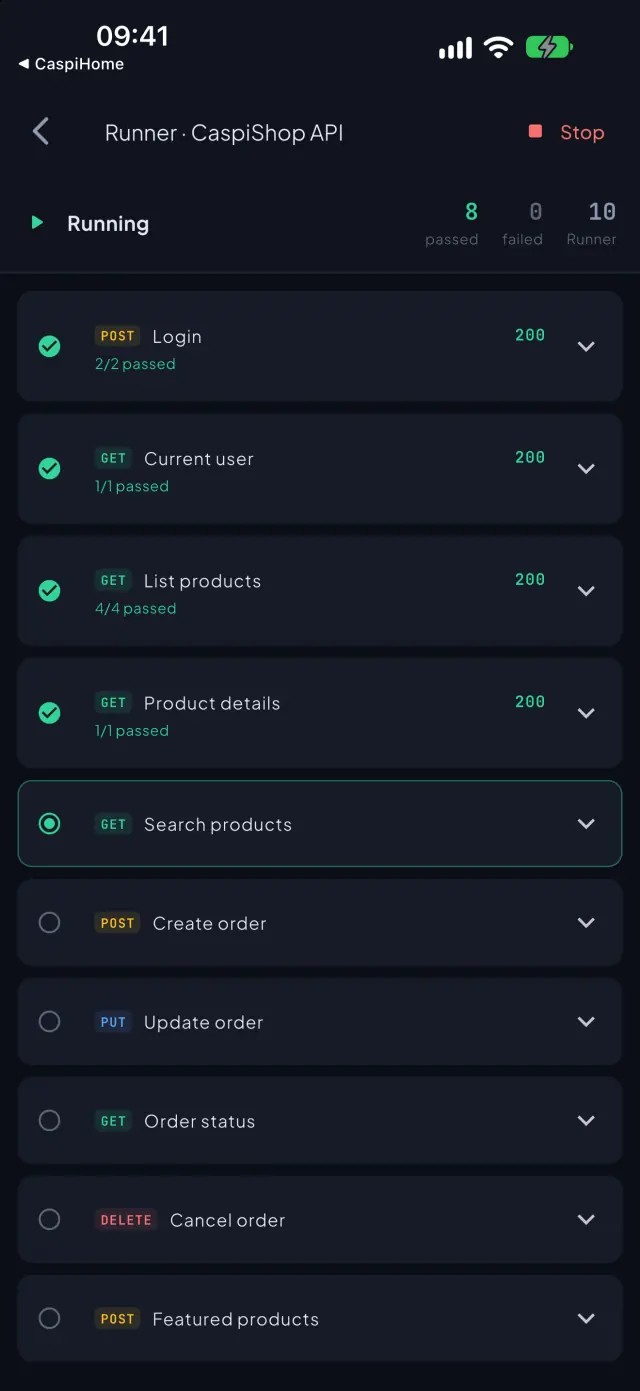
Track a collection run (12/25 · passed · failed), an open WebSocket, SSE or Socket.IO session with message counts, or a slow request's timer — without leaving the app you're in.
“Run Get Info in CaspiAPI” — Siri runs the pinned check hands-free and reads back status and latency. The same intents wire into Shortcuts, Control Center buttons and the icon's quick actions.
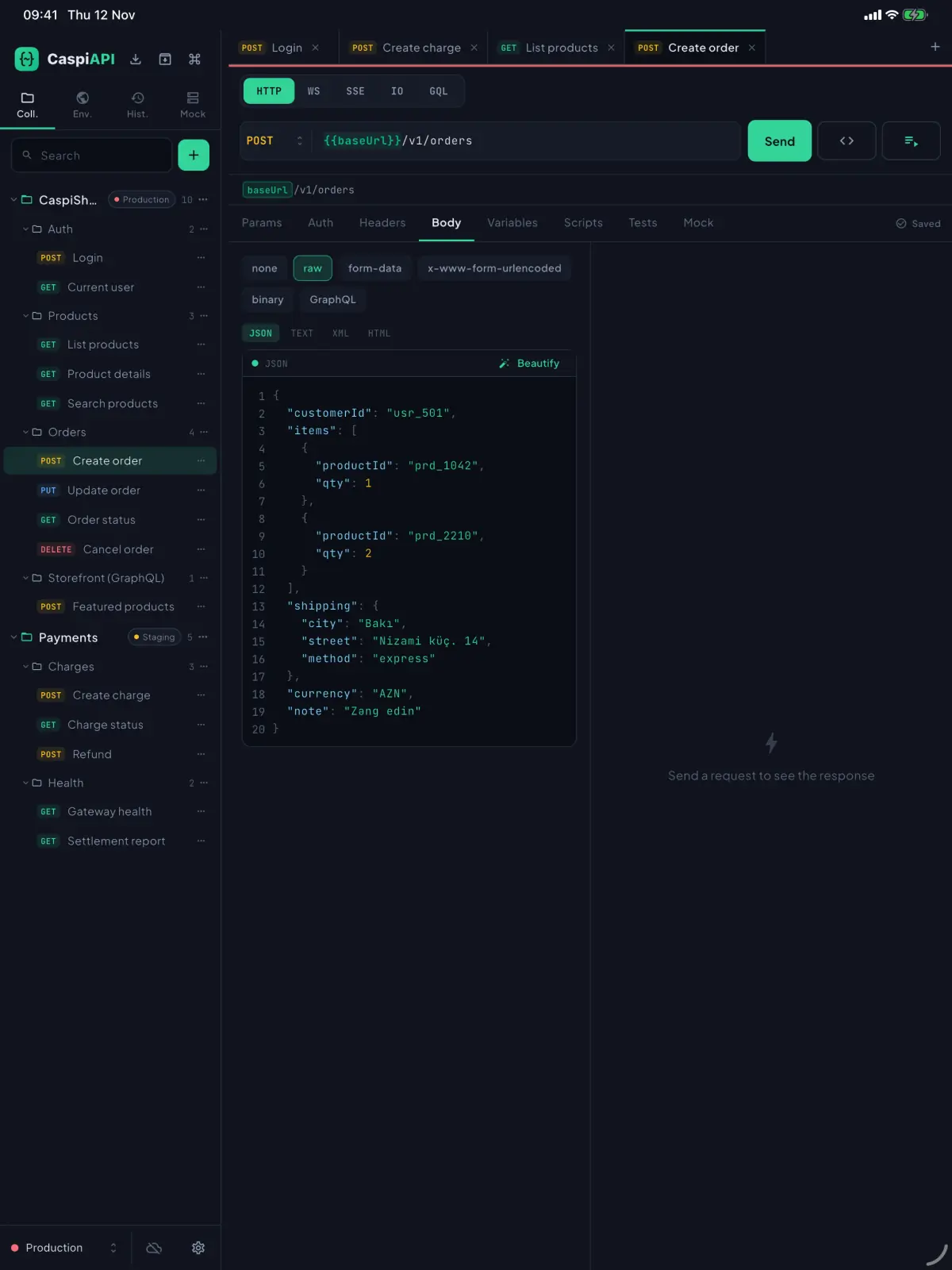
Closed: compact rail. Open: dual-pane workspace. Tabletop: response pinned above the editor. Fold mid-request — tab, scroll offset and the in-flight request survive.
Every posture

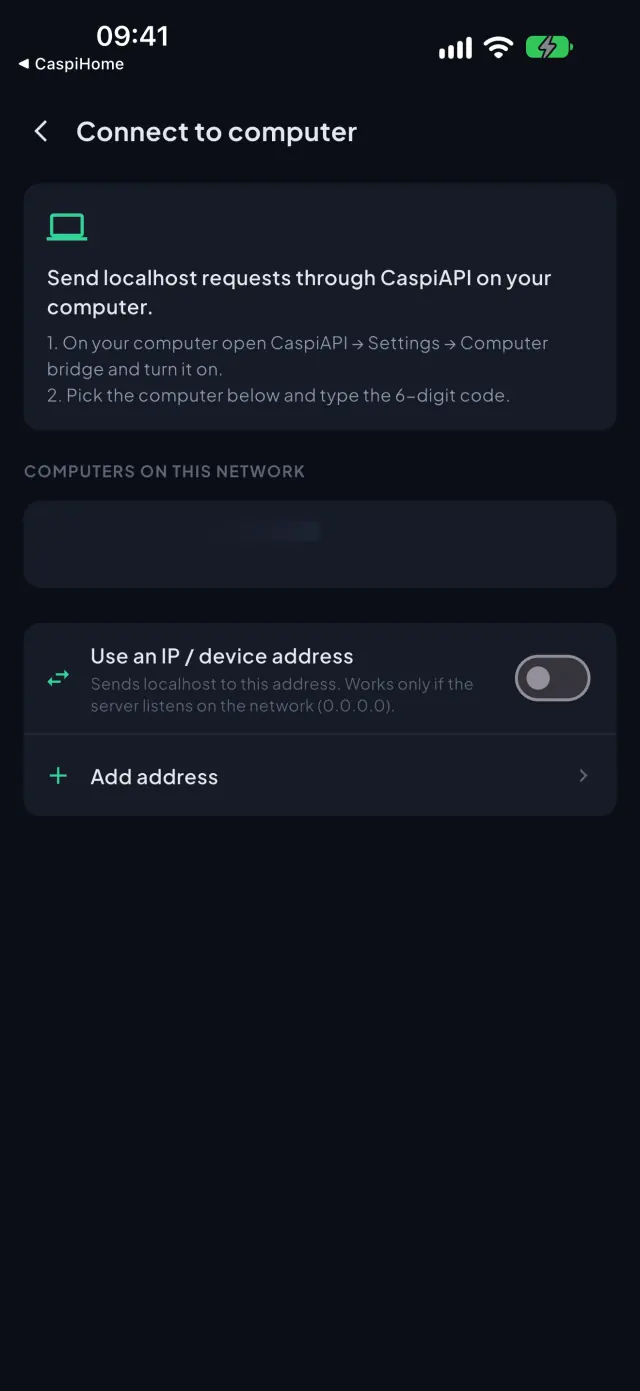
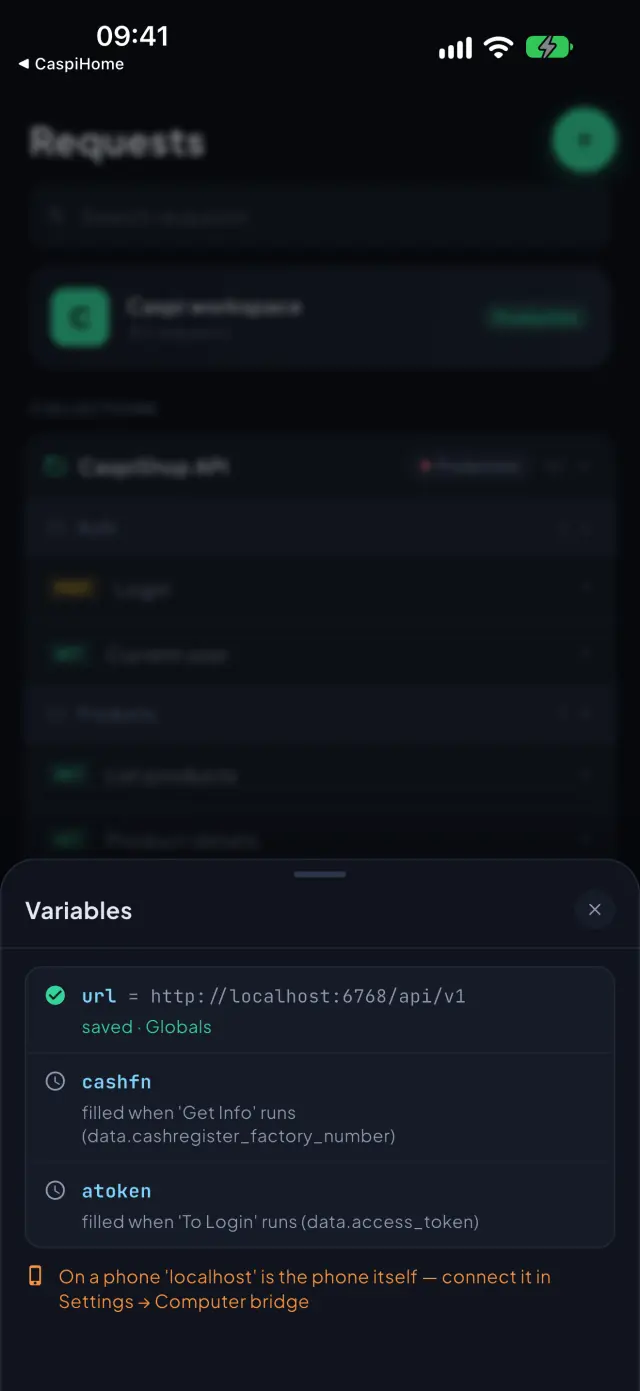
Hit the backend, staging stack or USB-token service running on your workstation straight from your phone. One-time 6-digit pairing over local Wi-Fi, end-to-end encrypted, private network only — and off until you turn it on.

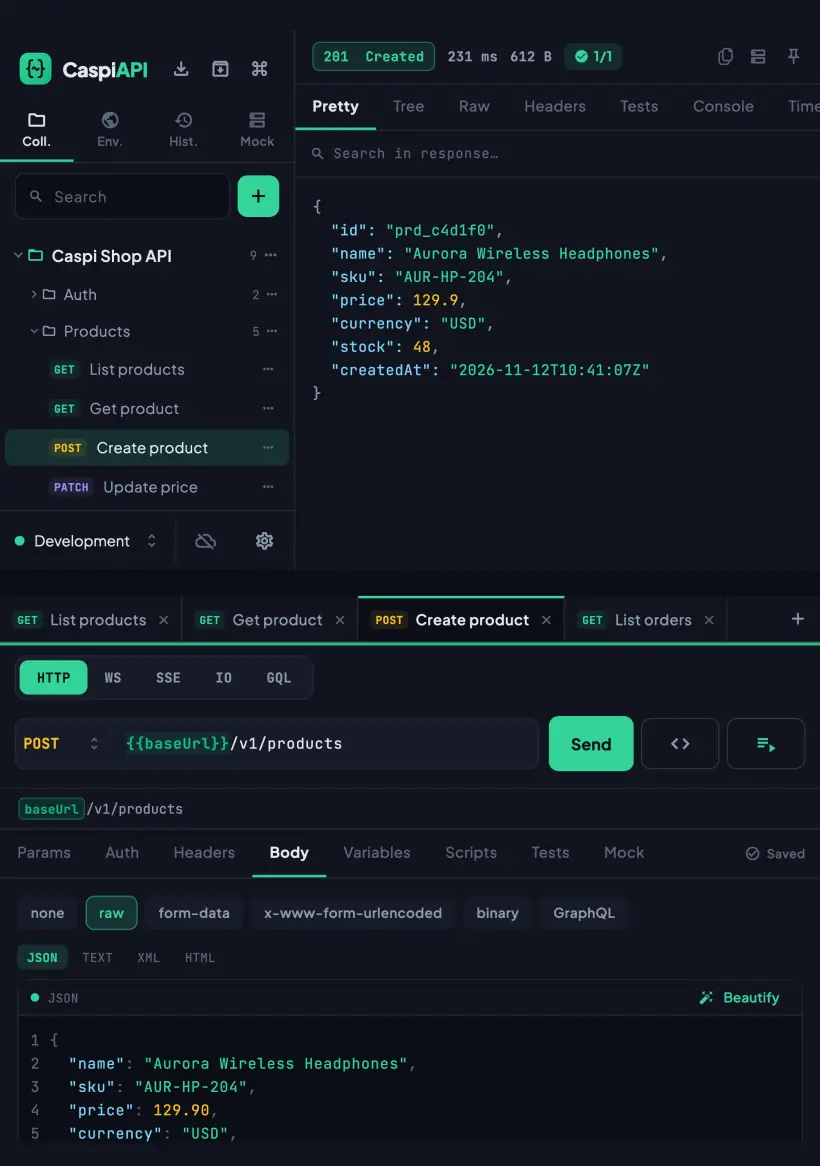
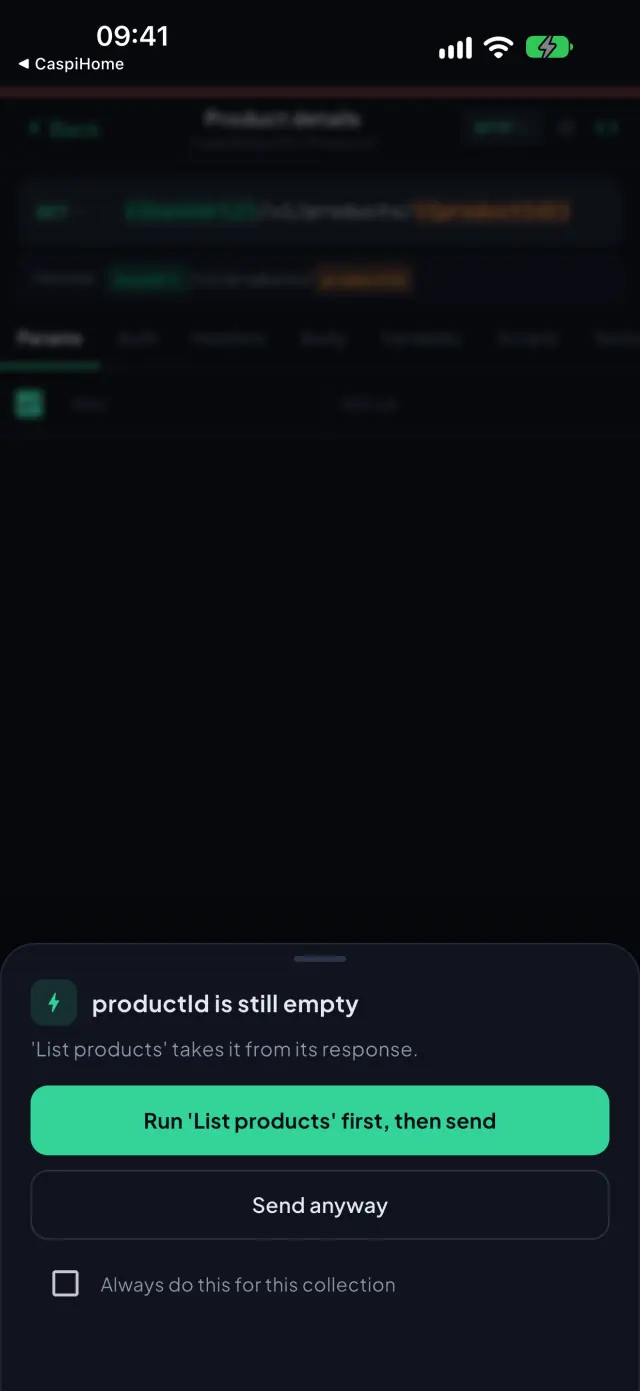
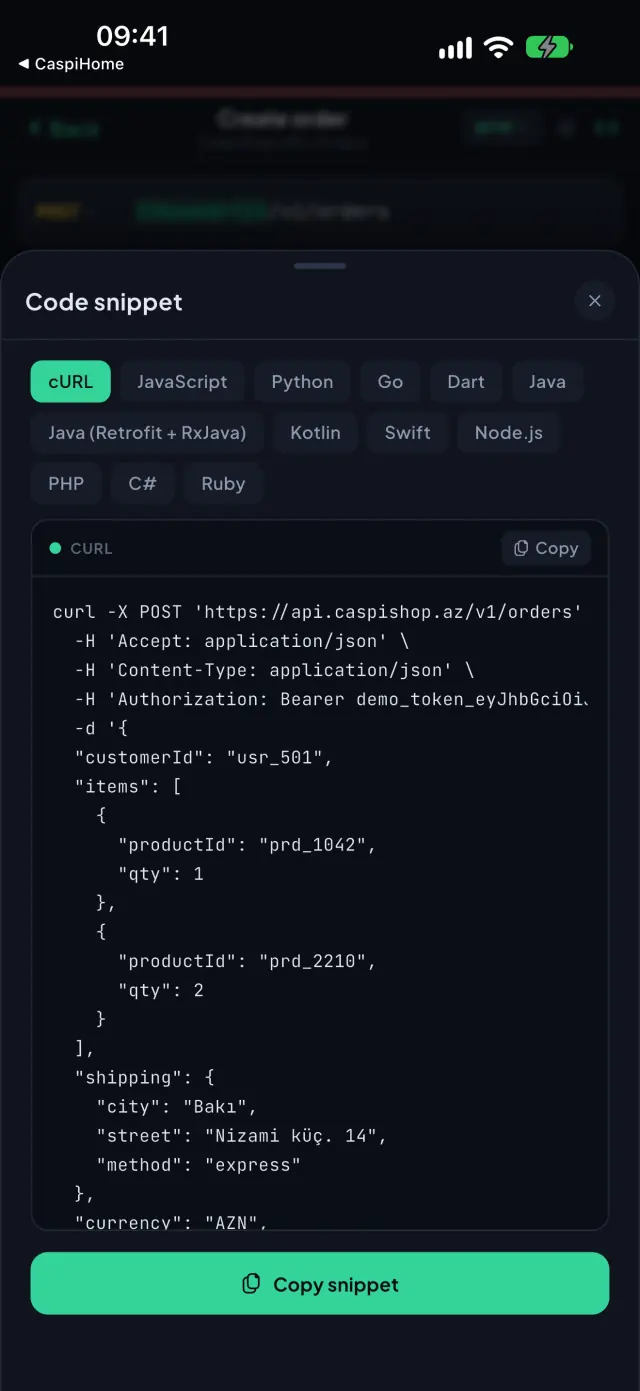
Import Postman collections (v1 · v2.0 · v2.1) with their pre-request and test scripts parsed. Missing {{token}}? Smart Send resolves the dependency chain, runs the producer request first and injects the value before firing yours.


Drop in collections, specs or network captures — or paste a cURL command or an OpenAPI URL.
File a report in two taps. Only your words, the app version, the platform and — if you attach it — the failing call's status code and timing leave the device. Never URLs, headers, tokens or bodies.
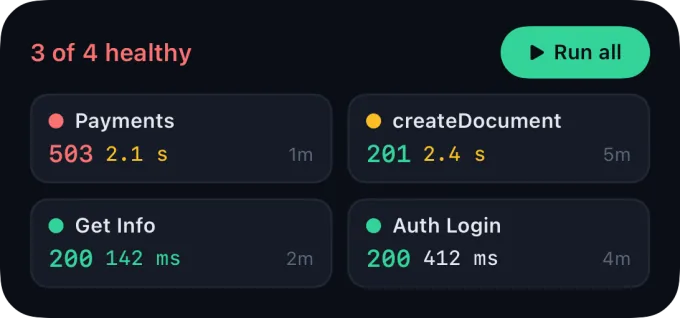
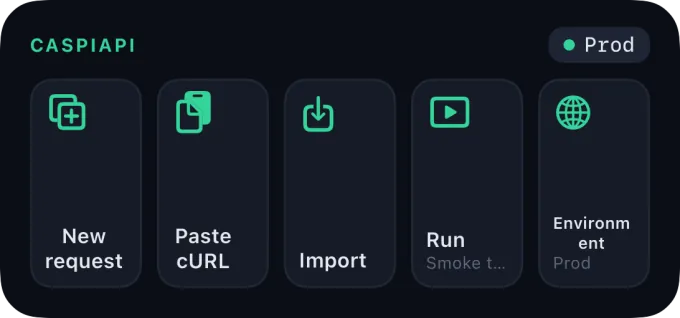
Six resizable Home Screen widgets, a Quick Settings tile for a one-tap health check, a live progress notification for collection runs with Cancel, and launcher shortcuts.

Small, medium and large on iPhone and iPad, plus an extra-large status board on iPad. Lock Screen, StandBy and Control Center too. Tap Run and the pinned check executes in the background; tap anywhere else to jump straight into the app.


CaspiAPI reads the device posture in real time and restructures the workspace around the fold — keeping your active tab, scroll offset and in-flight request. Android foldables get the book and tabletop layouts too; on a regular iPhone, iPad or Android phone nothing changes.

On the narrow outer display navigation collapses into a slim side rail beside the system bar, giving headers and payloads the full height.

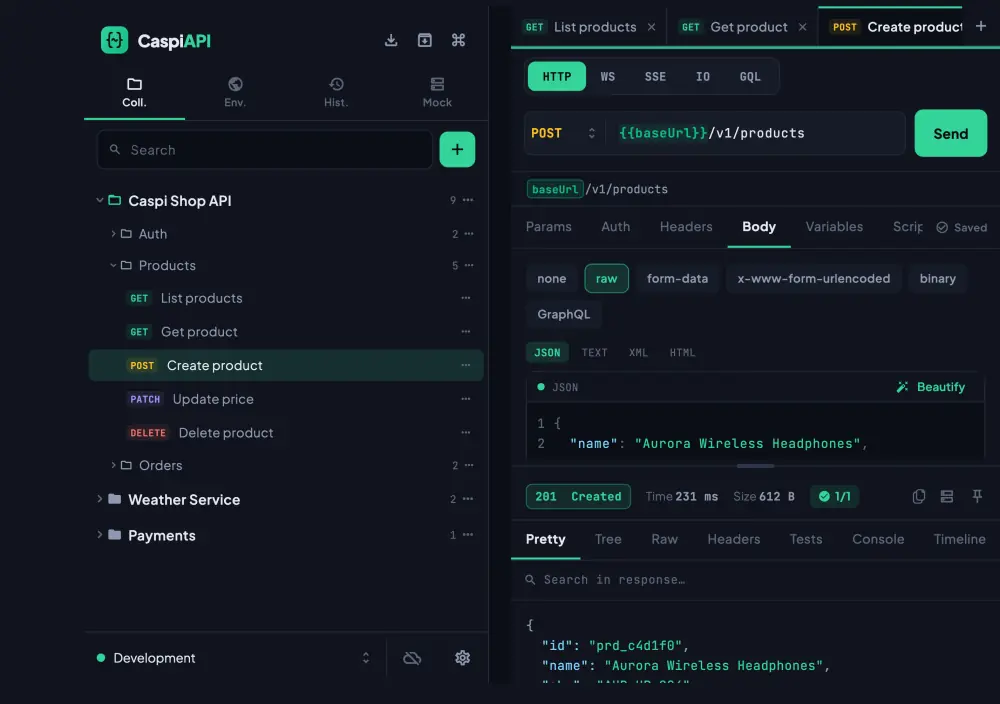
Collections on the left, request builder and response viewer on the right. Drag the split divider; double-tap to reset it.

Response payload pinned to the upper half, editor anchored below. The soft keyboard lifts the editor — your JSON output stays in view.

Collections on the left page, the active request on the right. No UI element ever crosses the hinge.
Desktop-grade tooling, engineered for a device that fits in your pocket.
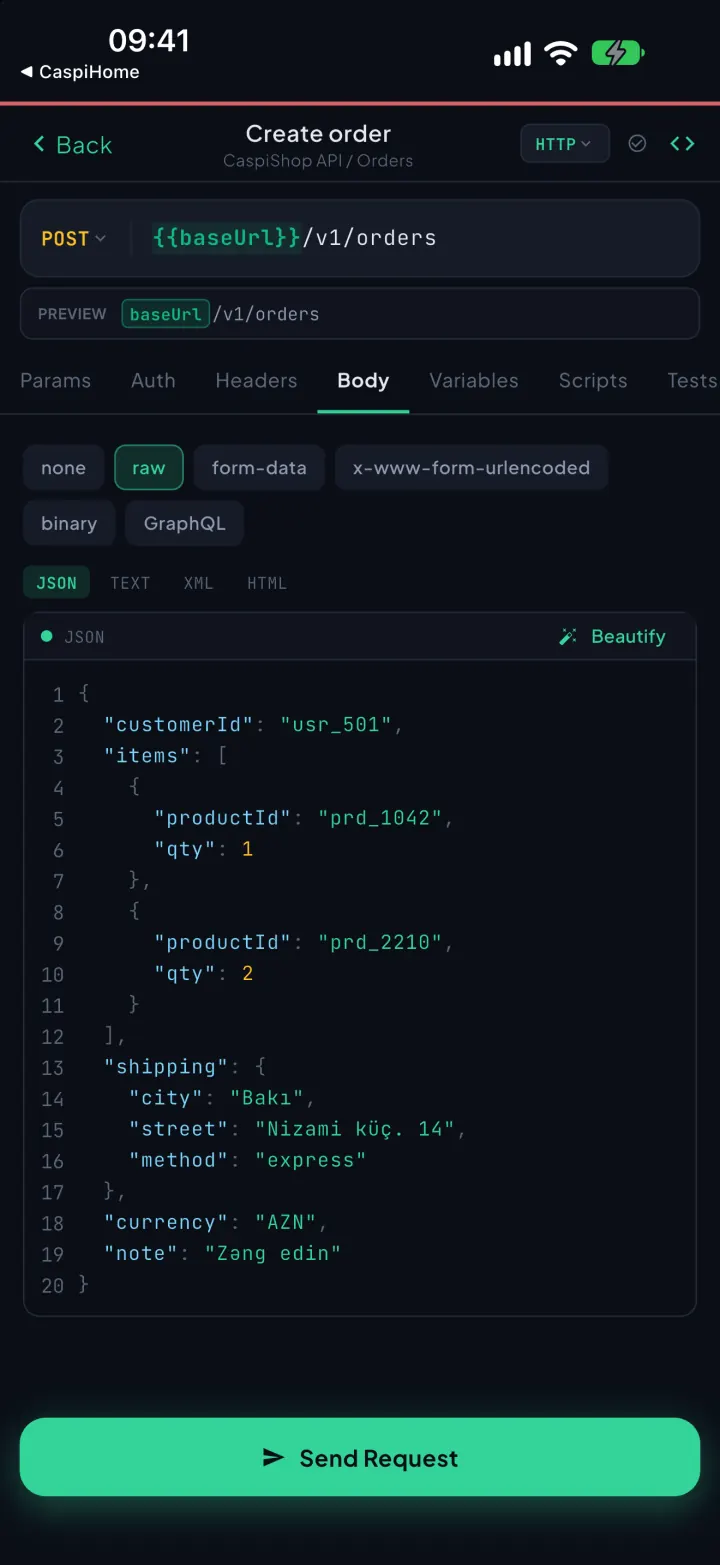
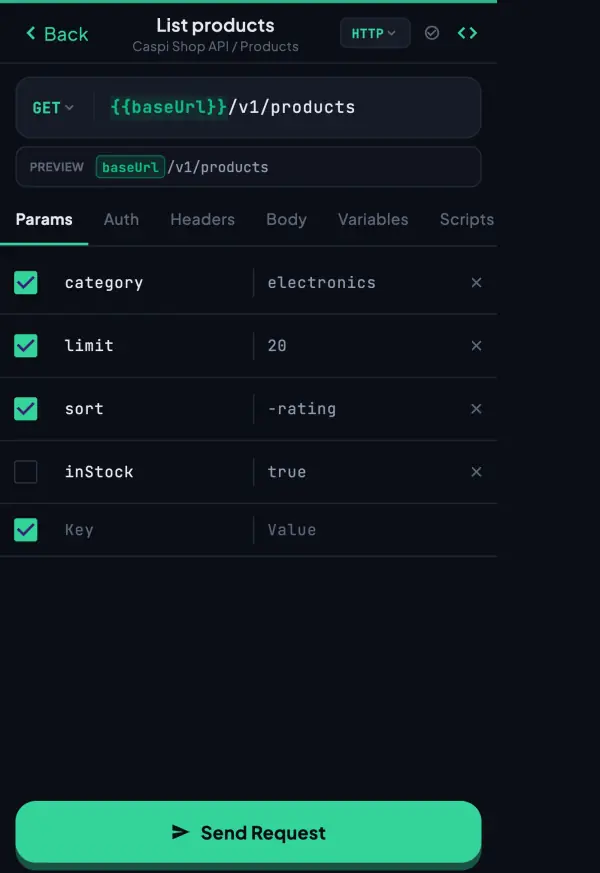
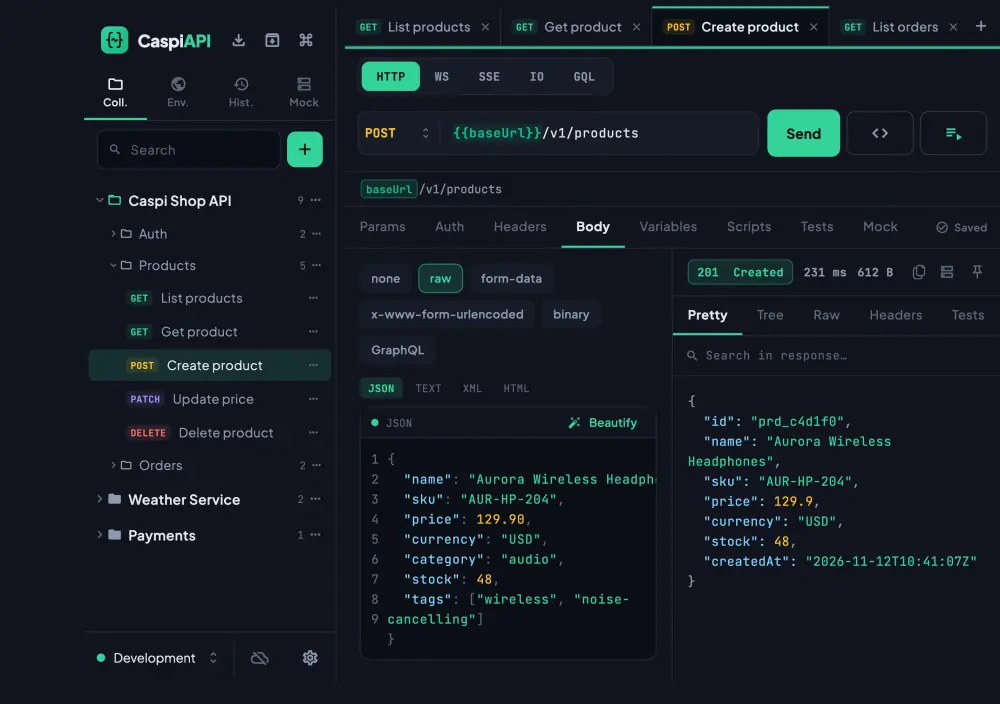
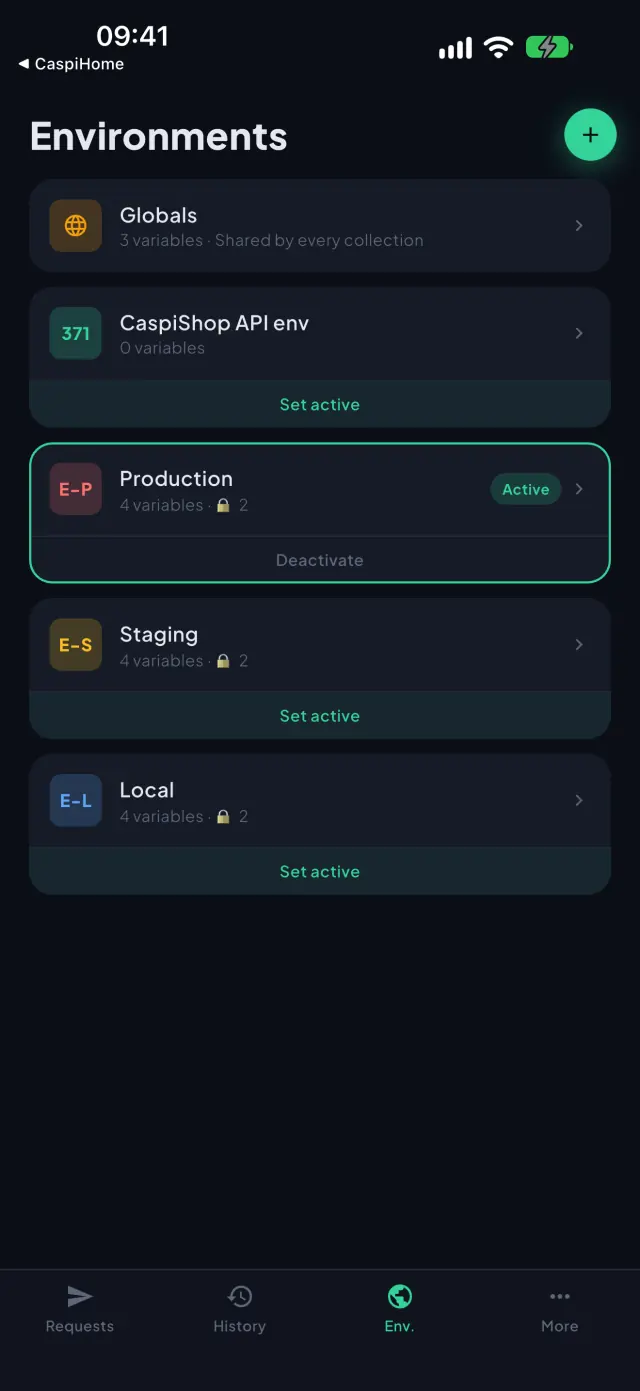
Method, URL with live preview, and a coloured environment strip that warns you the moment you're pointed at production. On tablet and desktop, open many requests as pinnable tabs with the response side by side.

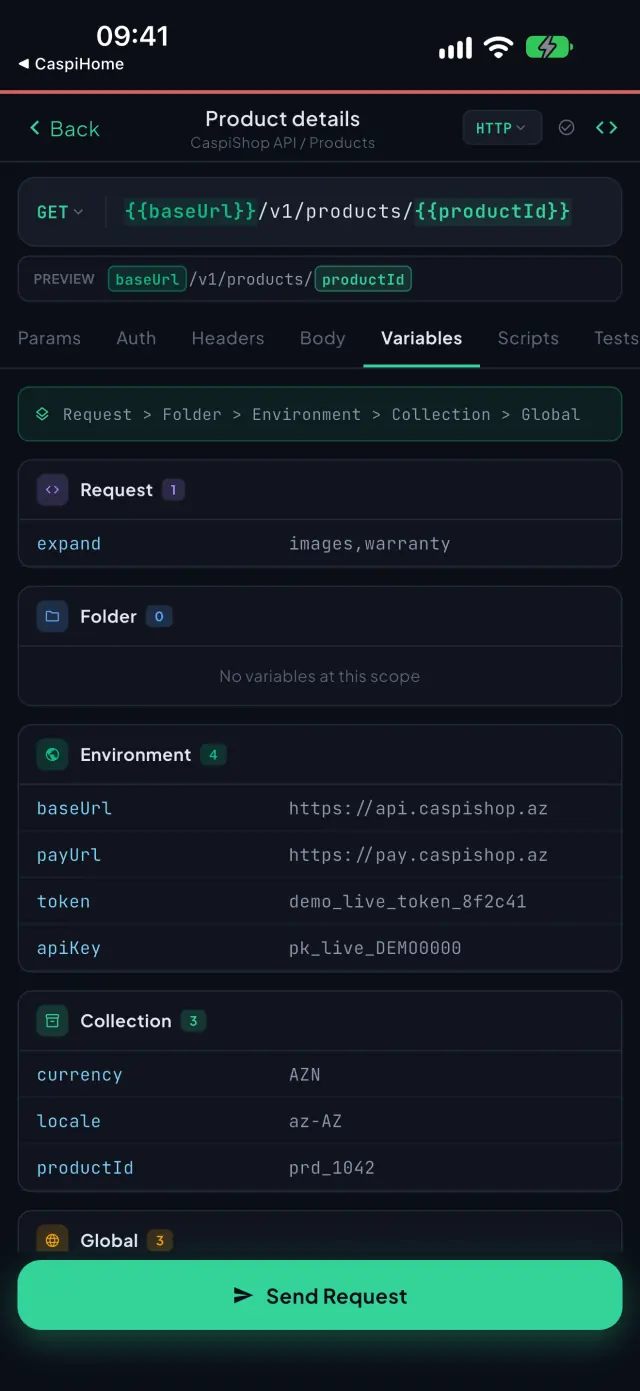
Write a request once and run it against dev, staging or prod with one switch. Five scopes resolve in order, and every value shows where it came from — a script, a response, or you.


Run the pm.* pre-request and test scripts you already know, on a real JavaScript engine on your device — assertions, token capture, chained variables. Then export any request as ready-to-paste client code.


Turn any request into a mock and build your frontend before the API exists. Keep it local and offline, or publish a public HTTPS URL anyone can call — metered and revocable.
Capture a token from your login request and attach it to every other request automatically — with optional auto-refresh on 401. No scripting, and tokens never leave your device.
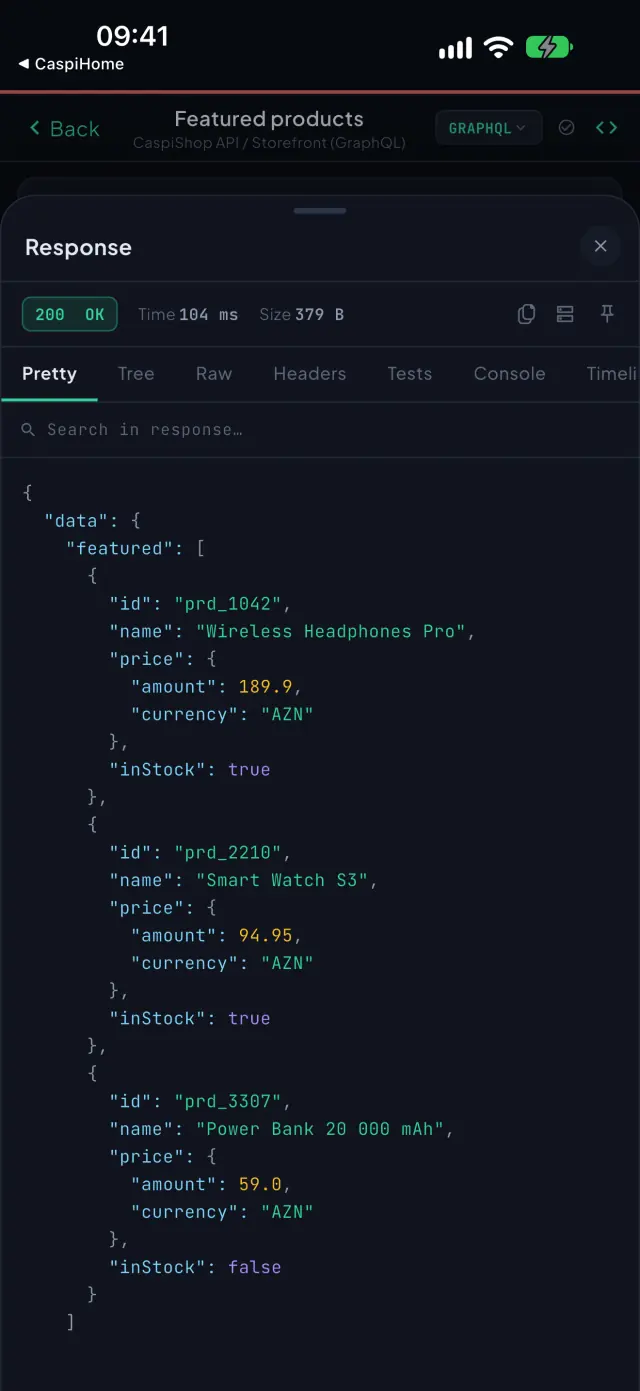
Write a GraphQL query with variables and pull the schema in one tap. Open a WebSocket, SSE or Socket.IO session, watch messages stream in and send your own — the session keeps running while you work elsewhere.


Run a whole collection in order, chain variables, see pass/fail per request — and re-run from a widget.
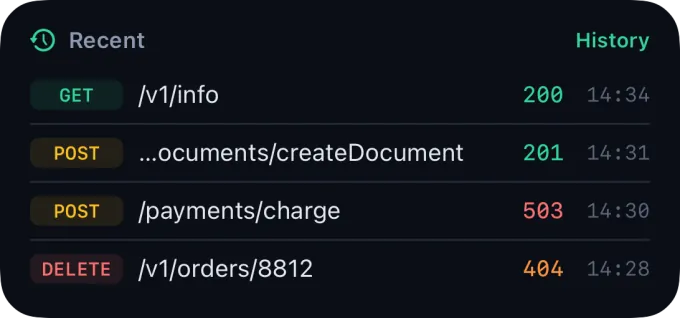
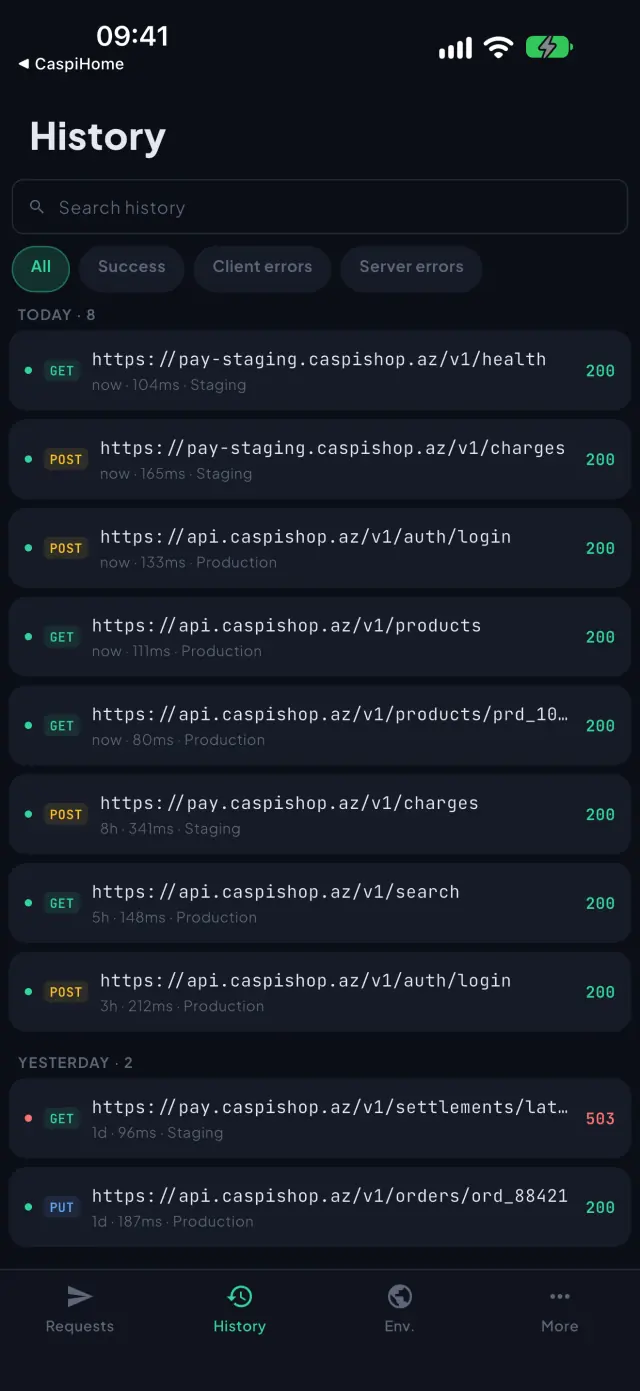
Every send is kept on your device. Re-send any entry, or compare two responses line by line.
Share a collection with a teammate as viewer or editor, or by link — and revoke it any time.
Export a collection or your whole workspace as .caspi, Postman or OpenAPI whenever you like.
⌘ / Ctrl+K command palette, pinnable tabs, a drag-resizable sidebar and the response side by side.
PIN plus Face ID, Touch ID or fingerprint. Instant lock on mobile, smart idle lock on desktop.
Everything lives on your device. You only need a connection to actually send requests or to sync.
Azerbaijani, English, Russian and Turkish, with dark, light and system themes — on every platform.
The same workspace reshapes itself from a phone bottom bar to a desktop workbench. Pick a platform to see what ships there.
Cloud sync is optional and end-to-end encrypted: keys are derived on-device from a password that never leaves it, and the server stores ciphertext it cannot read — requests, tokens and variables included.
Encrypted before it leaves the device. The server stores opaque blobs; it cannot decrypt them.
A one-time recovery key: a forgotten password never means lost data.
Face ID, Touch ID or fingerprint. Instant lock on mobile, idle auto-lock on desktop.
Per collection and per environment: device-only or synced. New items start local.
Install and work. An account only unlocks sync, sharing and hosted mocks.
Your words, the app version, the platform and, if attached, the failing call's status and timing — never URLs, headers, bodies or tokens.

Most clients put your secrets in the cloud and treat mobile as an afterthought. CaspiAPI inverts both.
| Capability | Typical API clients | CaspiAPI |
|---|
Install on iPhone, iPad and Mac from the App Store, on Android from Google Play, and on Windows with a direct installer.
You can delete your CaspiAPI account at any time — inside the app, or here if you no longer have it installed. Deletion is permanent.
Open Settings → Cloud sync → Delete account, confirm your password, and your account is removed immediately.
Enter the e-mail on your account below. We reply to that address to verify it's really you.
Confirm from that e-mail. Your account and all synced data are then permanently erased.
Submitting opens a prefilled e-mail to our team — just press Send. Or write to support@caspix.az.